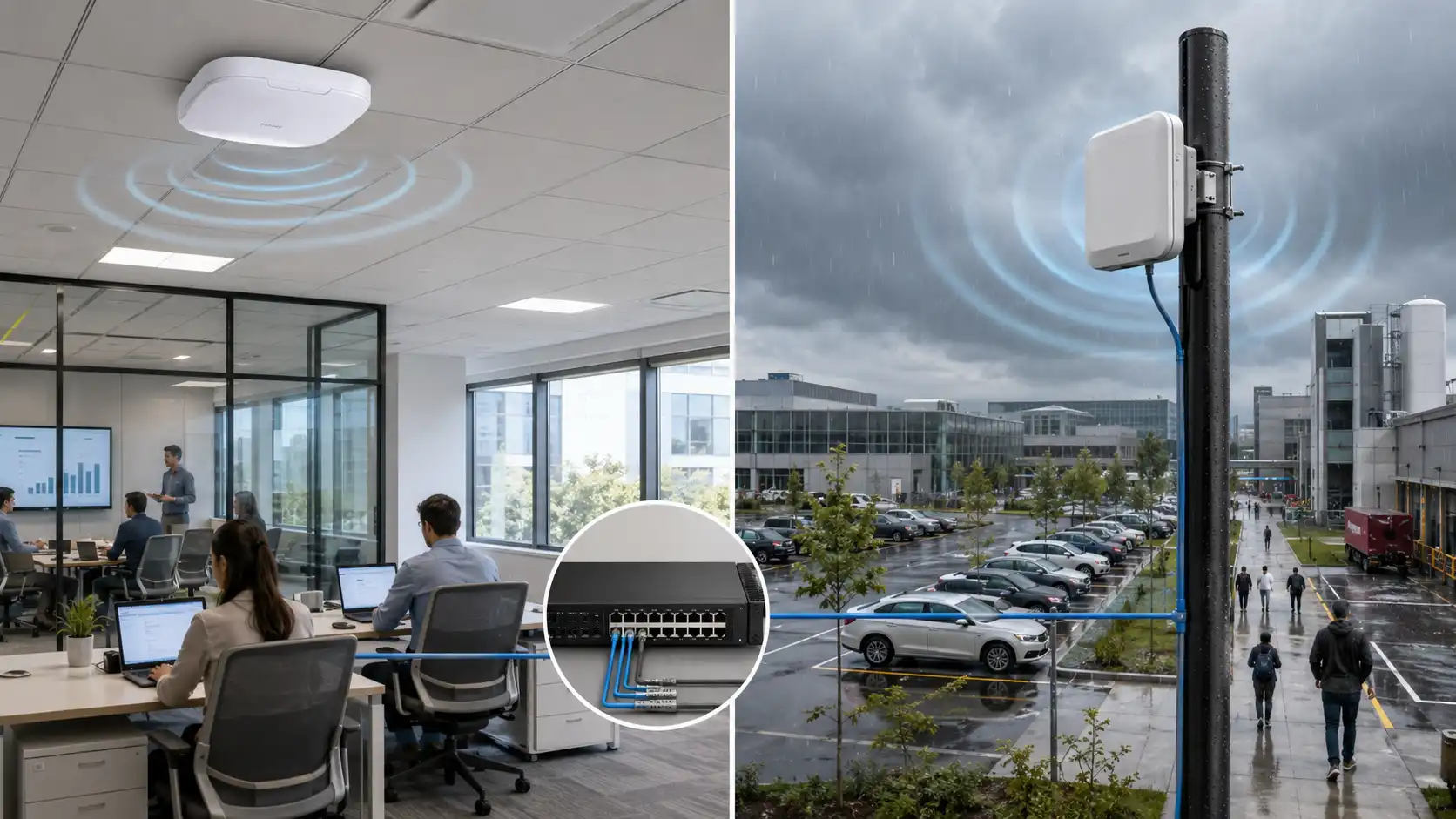
When upgrading NAS storage, workstations, or servers from 1GbE to 10GbE, the first question you'll face is whether to choose the familiar RJ45 vs SFP+ interface-specifically, whether to use 10GBASE-T ports with traditional copper cabling or professional SFP+ ports. This requires understanding their technical principles, performance comparisons, cost analysis, and deployment strategies to select the interface best suited for your project.
What Are 10GBASE-T and SFP+?
10GBASE-T
10GBASE-T is a 10 Gigabit Ethernet technology defined by the IEEE 802.3an standard, using traditional RJ45 connectors for data transmission over twisted-pair copper cables. Its greatest advantage is backward compatibility (including Cat6a/Cat7 cables), allowing reuse of existing network cabling infrastructure. With a 10GBASE-T maximum distance per segment of 100m, devices can auto-negotiate between 1G and 10G speeds.

SFP+
Many people mistakenly believe SFP+ is a specific transmission technology. In reality, SFP+ ports are simply compact, hot-swappable interfaces used for 10G SFP+ port connections with both fiber and copper.
10GbE SFP+ ports support completely different module types:
Optical Modules (Most Common)
10G SR (Short Range): Multi-mode fiber, 300-meter transmission distance
10G LR (Long Range): Single-mode fiber, 10-kilometer transmission distance
10G ER (Extended Range): Single-mode fiber, 40-kilometer transmission distance
DAC/AOC Direct Attach Cables
DAC: 1-7 meters, passive design, extremely low power consumption
Active DAC: 7-15 meters, built-in signal amplification chips
AOC (Active Optical Cable): 10-100 meters, optical signal (cable form factor)

Interface Types and Compatibility
10GBASE-T connects through RJ45 ports via existing Cat5e/Cat6/Cat6a/Cat7 cables, seamlessly integrating with traditional networks. Different 10G Base-T cables have varying transmission distances:
|
Cable Type |
Theoretical Maximum Distance |
Reliable Distance |
Common Issues |
|
Cat5e |
45m |
Stable within 30m |
Beyond 30m, easily downgrades to 1G, poor interference resistance |
|
Cat6 |
55m |
Usable within 50m |
Unshielded cables unstable near 55m |
|
Cat6A |
100m |
Full 100m distance |
Recommended standard, excellent shielding performance |
|
Cat7 |
100m |
Full 100m distance |
Best performance but high installation cost, requires special connector handling |
Cat6a is the "safe choice" for 10GBASE-T. Its 500MHz bandwidth and enhanced shielding ensure stable transmission across the full 100-meter distance.
SFP+ ports provide SFP+ slots compatible with various pluggable transceivers, allowing you to switch interface types (copper, DAC, AOC, fiber) based on network requirements. DAC direct attach cables are the optimal choice for within-rack connections, requiring no separate transceiver purchase. Their electromagnetic interference resistance far exceeds twisted-pair cables, and their thick, rigid characteristics make them suitable for industrial environments and high-voltage electrical room scenarios.
Passive DAC (1-5m): Power consumption <0.1W, latency <0.1μs, ideal for interconnecting devices within the same rack
Active DAC (7-15m): Power consumption ~1W, suitable for adjacent racks
Performance Comparison

Latency Differences
10GBase-T employs block encoding for error-free data transmission. The standard specifies higher transceiver latency at 2.6 microseconds, limiting performance for latency-sensitive applications. SFP+ uses simplified electronics without encoding requirements, delivering ultra-low latency of 300 nanoseconds (ns)-making it the preferred choice for virtualized workloads and real-time systems.
|
Number of Links |
SFP+ Fiber Latency |
10GBASE-T Latency |
|
1 |
0.1μs |
2.6μs |
|
2 |
0.2μs |
5.2μs |
|
3 |
0.3μs |
7.8μs |
|
4 |
0.4μs |
10.4μs |
|
5 |
0.5μs |
13μs |
|
6 |
0.6μs |
15.6μs |
Power Consumption and Heat Generation
10GBase-T components consume approximately 2 to 5 watts per port at both cable ends (depending on cable length), resulting in higher cumulative energy consumption and heat generation in high-density environments. 10GbE SFP+ consumes approximately 0.7 watts per port.
Energy Consumption Differences in High-Density Scenarios
48-port 10GBASE-T switch vs. 48-port SFP+ switch (with DAC/optical modules):
10GBASE-T: 48 × 5W = 240W (port power only)
SFP+ + DAC: 48 × 0.1W = 4.8W
SFP+ + Optical Modules: 48 × 1.2W = 57.6W
Annual electricity cost difference (at $0.12/kWh):
240W vs 57.6W → Annual difference approximately $192
Adding air conditioning cooling power (typically 0.4-0.6x equipment power), total difference reaches $268-$280/year
Cost Analysis
10GBASE-T RJ45-based Cat cables typically have lower initial hardware costs than equivalent-length fiber cables, especially for ports and standard Ethernet cables. However, higher power consumption increases long-term operational costs-commonly used in data centers.
SFP+: Prices for 10GB copper SFP modules, DAC, and transceivers have dropped significantly. However, SFP+ cables require transceivers at both connection ends to connect to available SFP+ 10GbE ports. Initial investment is relatively higher-several times that of Cat cables-but lower power consumption reduces total cost of ownership over time, maximizing utilization of existing copper structured cabling.

Deployment Implementation
When deploying 10GbE networks, make scenario-based combinations based on distance, cabling conditions, power consumption, and maintenance capabilities. Use SFP+ (DAC/fiber) as the backbone and 10GBASE-T to reuse end-point structured cabling, achieving a scalable, easy-to-maintain, stable 10G experience at the lowest comprehensive cost.
|
Scenario/Requirement |
Recommended Solution |
Applicable Conditions |
Key Benefits |
Critical Considerations |
|
NAS ↔ Workstation Direct Connection (≤15m, same room/rack) |
SFP+ + Passive DAC |
Both ends have SFP+ (or adapters), distance 1–15m |
Low power, low heat, stable performance |
Plan DAC lengths in advance (1/3/5m), cable management to avoid pulling |
|
NAS ↔ Workstation Interconnection (cross-room/existing cabling, <50–100m) |
10GBASE-T (RJ45) |
Existing Cat6/Cat6A wall jacks/pre-installed cables, longer cable runs |
Reuse structured cabling, simple access |
Must test cable grade (preferably Cat6A); long distances (80–100m) require stability testing; ensure adequate switch cooling |
|
Office 24-Port Access Layer (many dispersed workstations) |
24-port 10GBASE-T access switch |
Need to reuse wall jacks/workstation cables, compatible with many 1GbE terminals |
Usually lower total investment, lower operational threshold |
Greater power/heat pressure, ensure good rack ventilation |
|
Office 24-Port Access Layer (prioritizing efficiency/long-term) |
24-port SFP+ access switch |
More budget, pursuing low power and temperature |
Annual electricity savings, cooler operation, 2–3 year ROI |
Higher one-time investment (DAC/fiber cost per workstation) |
|
Small-Medium Enterprise (wiring closet + office area, most common) |
Hybrid: Core SFP+, Access 10GBASE-T |
Centralized core, dispersed terminals with structured cabling |
"SFP+ backbone, 10GBASE-T endpoints" |
Clear architecture: uplinks use DAC/fiber, endpoints use Cat6A; avoid random mixing causing operational complexity |
|
Data Center/Rack ToR (high server density) |
SFP+ + DAC |
Many short 1–3m connections within rack, dense ports |
Extremely low port power, significant scaled electricity savings |
Stock various DAC lengths |
|
ToR/Aggregation Uplinks (cross-rack 10–50m) |
10G SR multi-mode modules + OM3/OM4 |
Need cross-rack/longer distances, high cable management requirements |
More stable over distance, neater cabling |
Fiber bend radius ≥30mm; select modules from official compatibility list |
|
Cross-floor/Cross-campus (long distance) |
By distance: SR(100–300m)/LR(300m–10km)/ER(10–40km) |
Beyond 100m, prioritize fiber |
Reliable long distance, scalable |
Confirm fiber type first (multi-mode/single-mode), avoid wrong module selection |
|
Need SFP+ switch but must connect RJ45 devices (limited) |
10GBASE-T SFP+ copper module (use cautiously) |
Temporary/few ports (<4)/space constraints |
Quick RJ45 device compatibility |
Common high heat (5–8W) and compatibility issues; for long-term stability recommend Media Converter or retain some copper port switches |
FAQ
10GBASE-T Link Frequently Drops?
Check cables: Use cable tester, focus on NEXT (Near-End Crosstalk) parameters for violations
Check distance: Cat6 cables ideally shouldn't exceed 50 meters
Check routing: Unbundle cables, test individually (eliminate crosstalk)
Check termination: Re-crimp RJ45 connectors, ensure all 8 wires properly seated
SFP+ Optical Module Won't Connect?
Fiber type matching: SR modules require multi-mode fiber (OM3/OM4), LR modules use single-mode (OS2)
Fiber end-face cleaning: Clean LC connectors with lint-free cloth + isopropyl alcohol
Optical power detection: Test with optical power meter, normal range -10dBm to -1dBm
Module compatibility: Check switch manufacturer's compatibility list
DAC Direct Attach Cable Not Recognized?
Root Cause Analysis:
DAC is an active device with built-in EEPROM storing compatibility information
Some switches have whitelist restrictions for non-official DAC cables
Solutions:
Update switch firmware to latest version
Purchase DAC with better brand compatibility (e.g., FS, 10Gtek third-party brands)
Contact switch manufacturer to enable "third-party module compatibility mode"
How to Evaluate if Existing Cat6 Cables Can Run 10G?
Professional Method:
Borrow or purchase Fluke DSX-5000 cable tester
Simple Test Method:
Use 10GBASE-T network card for actual connection, run iperf3 speed test continuously for 1 hour
Observe if speed remains stable above 9.4Gbps
Use ethtool -S command to check for CRC errors
Why Does 10GBASE-T Have Higher Latency?
Due to twisted-pair physical characteristics (crosstalk, reflections) requiring complex chip signal processing:
128-DSQ Modulation: Digital signal processing algorithms
Tomlinson-Harashima Precoding: Cancels multipath interference
Adaptive Equalizer: Real-time signal distortion correction
These processes add 1-2 microseconds of processing delay in the PHY chip. For:
High-frequency trading, real-time databases: This difference may impact system performance
NAS home storage, general servers: Virtually imperceptible difference
Why Are 10GBASE-T SFP+ Modules So Hot?
Standard 10GBASE-T network cards have sufficient PCB area and heatsinks, while SFP+ card modules have only 1/10 the space of standard network cards. The same 5-6W power consumption with drastically reduced cooling area results in:
Module housing temperatures commonly reaching 60-70℃ (normal operating temperature)
When fully populated at high density, adjacent ports "bake" each other, potentially triggering thermal protection and speed reduction
With poor switch airflow design, module temperatures may exceed 85℃ causing downtime
Why Do Data Centers Prefer SFP+?
Higher port density = Fewer switches required = Less rack space
DAC/fiber cables are thinner = Better airflow management = Lower cooling costs