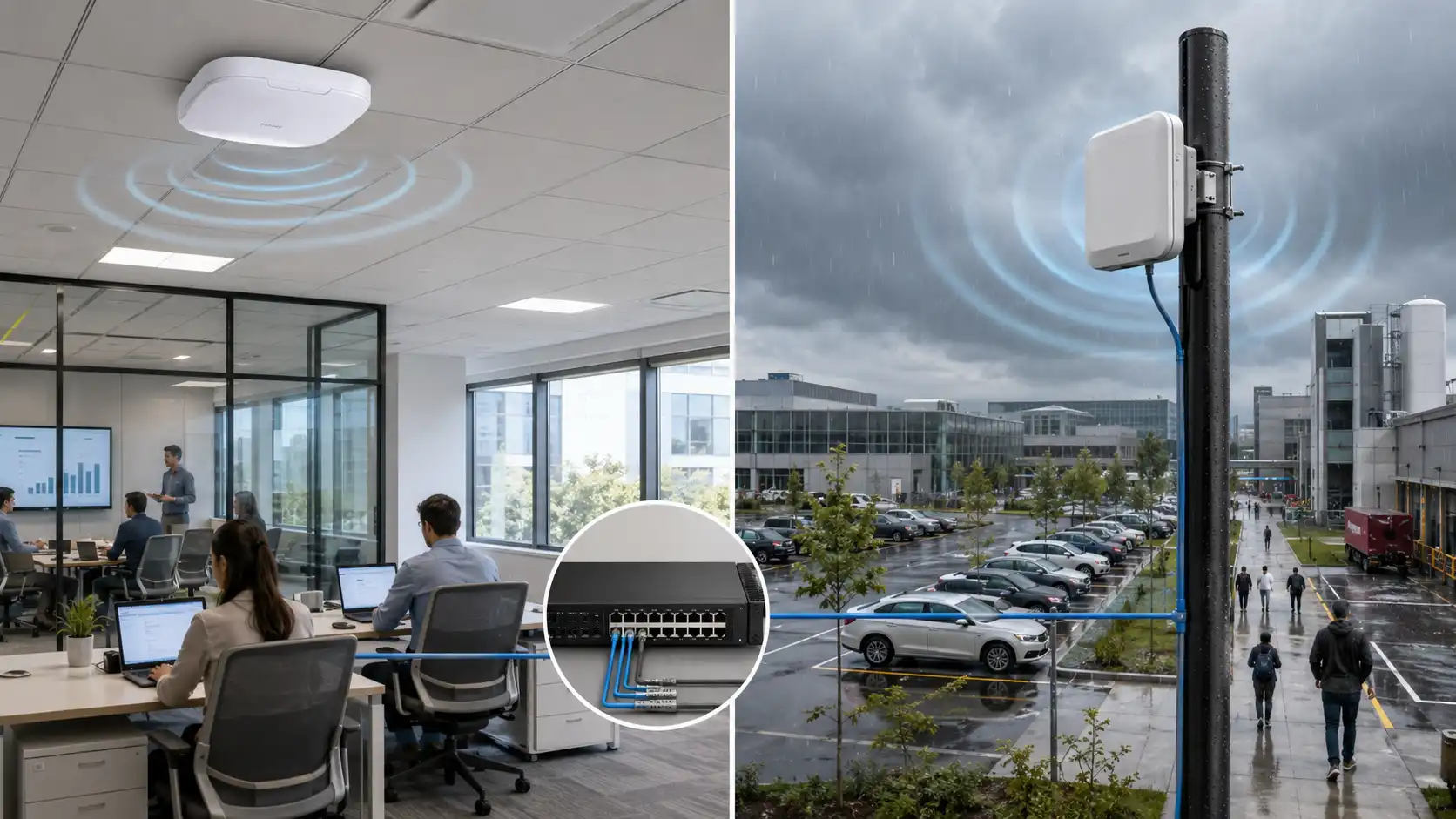
The installation of fiber optic cable varies depending on where the cable will be used. What works perfectly in an office drop ceiling has no business in a underground campus link. This makes environment-based classification essential - cables fall into two broad categories: indoor and outdoor.
Choosing the Right Cable
Choosing the wrong cable is where most projects go sideways. The core distinction is this: indoor fiber optic cable carries NEC fire ratings (OFNP for air-handling spaces, OFNR for vertical risers) - they won't spread flames between floors. But they have no waterproofing, UV protection, or armoring, making them completely unsuitable outside. Outdoor cables are built for moisture, temperature swings, and physical abuse, but they carry no fire rating and, per NEC Article 770, cannot run more than 50 feet inside a building.
When a run needs to transition from outside to inside, use a dual-rated cable that satisfies both environments, or splice to an indoor fiber cable within 50 feet of the building entrance. Dual-rated cable eliminates the splice point and is usually worth the higher price when the outdoor portion is relatively short.
One more structural choice affects termination - tight-buffered cable (fiber coated with a protective layer, typically 900 microns) terminates directly and is the standard for most indoor and short outdoor runs. Loose-tube cable (fiber floating in gel-filled buffer tubes) handles thermal expansion and long outdoor pulls better, but requires a fan-out kit at termination. Understanding what's inside of a fiber optic cable matters here: the buffer construction directly determines how you handle, strip, and terminate it.

Installation by Environment
Indoor Installation
Drop Ceilings and Raised Floors
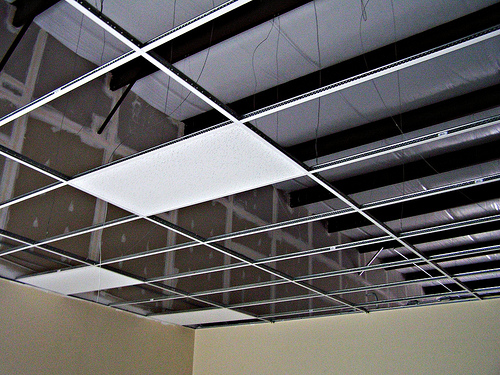
Drop ceilings and raised floors are the most forgiving indoor environments - plenty of working room, relatively short runs, and no environmental stress on the cable. Cable trays, J-hooks, and hook-and-loop straps are your tools here. Keep fiber separated from power cables and maintain consistent, gentle bends throughout. Don't let cable span long distances in a ceiling without support - sustained weight causes bending stress at support points over time.
In raised floors, account for foot traffic and equipment movement. Use innerduct or route cable through dedicated fiber optic cable tray systems to protect runs below the floor. A proper fiber optic tray cable setup in these environments keeps bundles organized, protected, and traceable - which pays off the first time you need to troubleshoot or reconfigure.
Cabinet and Patch Panel Installation
The risk inside equipment racks is bend radius violations caused by tight spaces and poor routing paths. Fiber optic tray panels, routing guides, and cable management arms aren't just for aesthetics - they physically prevent the tight bends that damage fiber. Keep fiber separated from power inside the cabinet. Label every connector and port at the time of installation, not afterward.
If you're installing fiber optic cable in a home lab or small office setup, the same rules apply - installing fibre optic cable at home doesn't exempt you from bend radius minimums or fire rating requirements. Use rated indoor fiber optic cable and manage it properly from the start.

Riser/Vertical Shaft Runs
Vertical shaft installations require at minimum OFNR-rated cable, and you always pull from the top down, working with gravity. Use mesh pulling grips to support the cable at the top of each riser and at regular intervals below. The key issue with vertical runs: loose-tube cable has a maximum unsupported vertical rise limit. Exceed it, and the fiber gradually migrates downward, accumulating slack and increasing attenuation. Leave service loops at both the top and bottom of each riser - at least 10 feet per end for future re-routing or re-termination.

Outdoor Installation
Underground Conduit
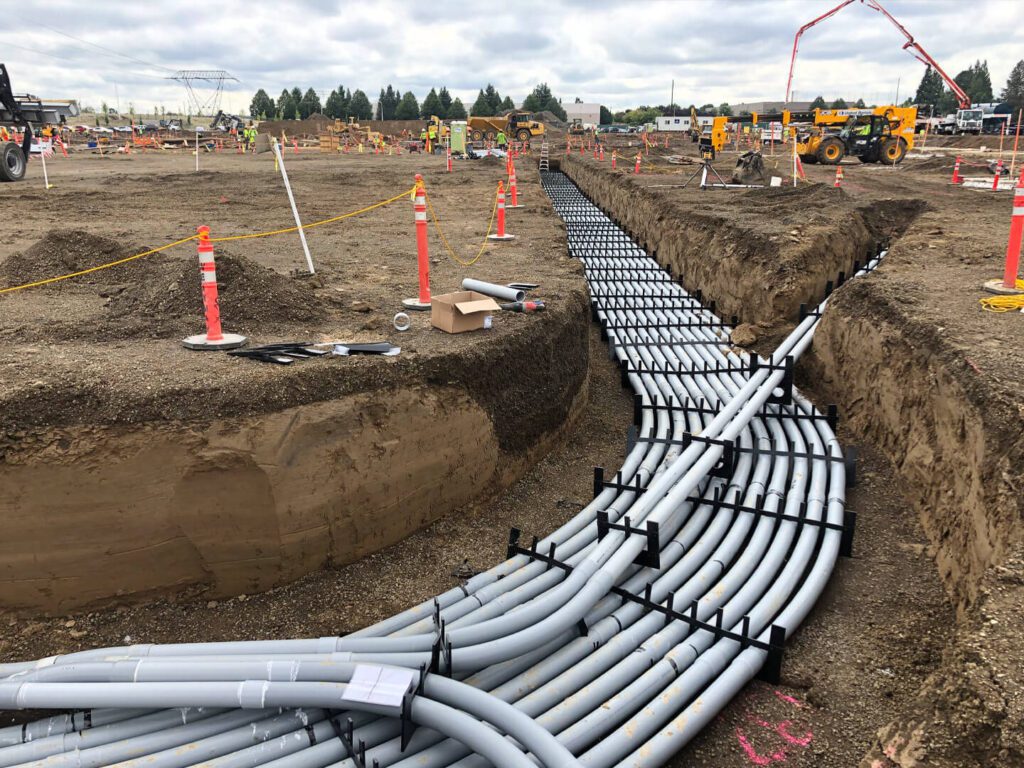
This is the most protected outdoor installation method and the most common answer to what is underground fiber optic cable used for in campus and municipal infrastructure. The cable runs inside PVC or HDPE conduit, buried at least 24 inches deep (deeper under roads, driveways, and high-traffic areas). The conduit protects the cable from physical damage and makes future replacement straightforward: pull out the old cable, pull in the new one.
Fiber in conduit requires attention to a few critical details: no conduit run should exceed 100 feet between pull boxes, and no more than two 90-degree bends between any two boxes. The inner radius of any conduit bend must be at least 10 times the cable's outer diameter. Use cable lubricant compatible with the jacket material. After installation, leave a pull string in the conduit so additional cable can be added later without excavation.
For turns and transitions, flexible conduit for fiber optic cable is the right choice - rigid conduit cannot make the tight transitions that entry points and equipment locations often demand, and forcing it creates stress on the cable jacket and fiber inside.
Direct Burial
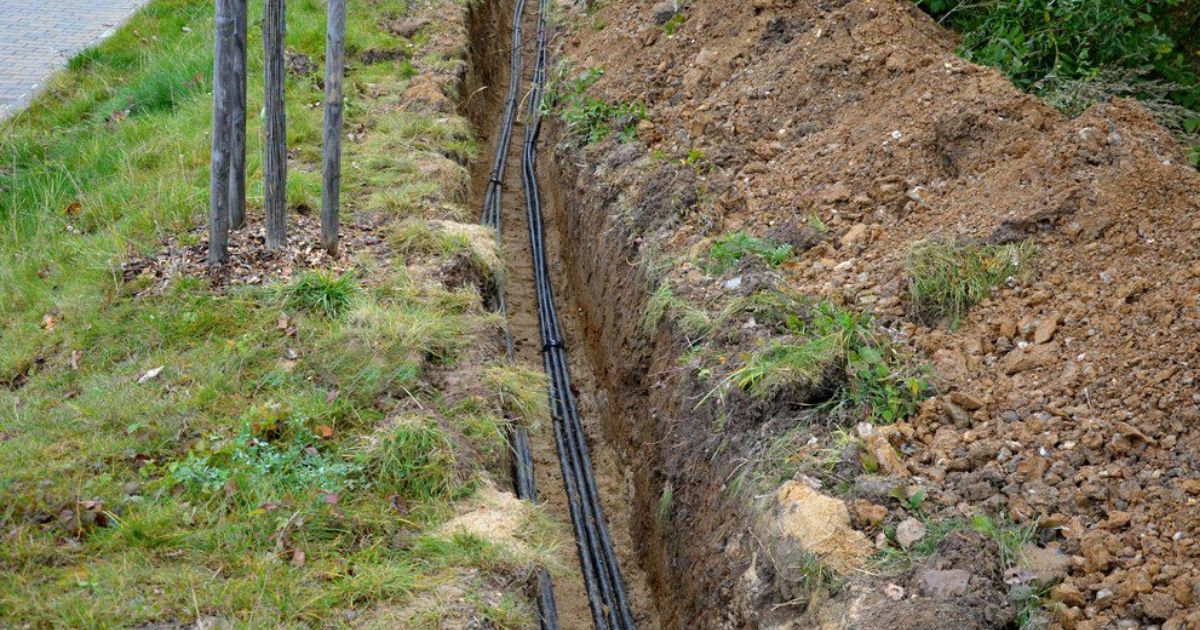
Direct burial means the cable goes straight into the ground with no conduit - which means the cable itself must handle soil pressure, moisture, and rodent activity. These cables need armor (typically corrugated steel or polyethylene jacket) and gel-filled or dry water-blocked construction. Initial installation is faster and cheaper, but future repair or replacement is significantly harder. Reserve direct burial for stable paths where future access is unlikely. Burial depth should be below the local frost line to prevent ground movement from stressing the cable as temperatures cycle.
Aerial Installation
Aerial fiber runs between poles or buildings. Use self-supporting cable with an integrated steel messenger, or lash standard cable to a separate messenger wire. The most common installation mistake is insufficient sag. Standard guidance is 2.5 feet of sag per 150-foot span - this allows the cable to contract in cold weather without pulling tight and breaking. Anchor cable ends to reduce wind-driven movement, and use dead-end clamps to distribute load across the strength members rather than the jacket.

Submarine and Underwater
Underwater fiber requires specialized construction: gel-filled buffer tubes, water-swellable yarns or tape, and typically multiple layers of armor and waterproofing. These are specialty products installed by specialized equipment and crews.
Termination: The Most Common Source of Failures
Connector end-face contamination is the single most common cause of fiber link failure - and it's entirely preventable. Before making any connection, clean every connector with a lint-free optical wipe and 99% isopropyl alcohol or a dedicated fiber cleaning cassette. Inspect with a fiber inspection microscope. If it doesn't pass, clean it again. This applies to brand-new connectors, not just used ones.
For splice points, fusion splices have far lower insertion loss than mechanical splices (typically under 0.1 dB per splice when done correctly) and hold up better long-term. Fusion splice quality comes down to two things: clean fiber end-faces going in, and a sharp cleave blade. Verify every splice loss with an OTDR before closing the splice enclosure. Finding a bad splice before sealing takes minutes to fix; finding it during network commissioning becomes an expensive, frustrating problem.
Testing
Test every cable run immediately after pulling and terminating - not after the entire optic fiber installation is complete. OTDR testing gives you the full picture: every connector, every splice, every bend, every point of fiber damage. Test each fiber in both directions. Save those traces. These baseline measurements are invaluable when troubleshooting months or years later.
End-to-end insertion loss testing with an optical power meter and calibrated light source tells you whether the actual link is within your calculated loss budget. OTDR alone cannot give you that number. Both steps are required.
If measured loss exceeds budget - whether from contaminated connectors, overbent cable, or high-loss splices - find it and fix it immediately.
Common Mistakes
Pulling on the jacket instead of the strength members. The cable jacket is not a structural component. Attach your pulling grip to the Kevlar yarn or fiberglass rods, not the outer sheath. Pulling on the jacket displaces the fiber inside, causing damage that may not show up until later.
Spinning cable off a reel. Always roll cable off the side of the reel. Spinning it introduces one full twist per rotation - a long pull can generate hundreds of twists, creating internal stress and signal attenuation.
Violating bend radius. Every fiber has a minimum bend radius. Exceed it and the glass cracks. The bend point cannot be repaired; the cable must be replaced.
Running outdoor cable too far indoors. Non-fire-rated outdoor cable extending more than 50 feet into a building violates code. Plan your transition point before you pull.
Document everything during install fiber optic work. Label all cables, ports, and panels at the time of installation. Store OTDR traces and loss measurements in permanent records. A fiber system without labels and documentation becomes a serious headache the first time something changes or fails.
Pre-Commissioning Checklist
-
Cable type matches the installation environment and required NEC fire rating
-
Every bend radius along the entire path meets the minimum requirement
-
Outdoor-to-indoor cable transition occurs within 50 feet of the building entrance
-
All connectors inspected and cleaned before final connection
-
All fusion splice losses verified within threshold; enclosures sealed
-
OTDR traces completed for every fiber in both directions and saved
-
End-to-end insertion loss confirmed within the link loss budget
-
20–30 feet of service loop left at each termination end
-
All cables, ports, and panels labeled
-
Conduit ports sealed against moisture and pests
FAQ
Q: What's the difference between direct burial fiber and conduit burial?
A: The core difference is whether the cable has conduit protection. With conduit burial, the fiber is placed inside a PVC or HDPE conduit, so future replacements or upgrades only require pulling new cable - no digging required, which keeps long-term maintenance costs very low. Direct burial skips the conduit, making installation faster and cheaper upfront, but the cable is exposed directly to soil pressure, groundwater, and rodents. This means you must use specialized direct burial fiber with armoring and waterproofing built in, and any future damage or upgrade will require reopening the trench.
Q: What's the difference between OFNP and OFNR?
A: Both are NEC indoor fire ratings, but they apply to different locations. OFNP (plenum) is the higher rating, designed specifically for air-handling spaces like drop ceilings and raised floors. In these areas, airflow can rapidly spread flames and smoke in a fire, so OFNP jacket materials are required to produce low smoke and low toxicity when burning. OFNR (riser) is rated for vertical shaft runs and prevents flames from traveling upward along the cable, but its smoke toxicity requirements are less strict than OFNP.
Q: Should you use an OTDR or an optical power meter for fiber testing - can they replace each other?
A: No, they can't replace each other because they measure different things. An OTDR sends pulse signals and analyzes reflections, allowing you to pinpoint the exact location and loss value of every splice, connector, bend, or damage point along the link - it's the right tool for troubleshooting where a problem is. An optical power meter, used alongside a calibrated light source, performs an end-to-end insertion loss test and gives you the actual total loss of the entire link, which tells you whether the run is within your design budget.