Short answer: A ribbon fiber pigtail is useful when the ODF, splice tray, ribbon format, fusion-splicing method, fan-out path, and adapter sequence are designed as one system. Do not choose it only because the fiber count is high. A high-count frame can still be easier to build and maintain with individual pigtails if the tray system, splicing tools, or port mapping are not ribbon-ready.
For a purchasing team, the most important question is not simply "How many fibers are in the pigtail?" It is "Does the pigtail arrive in a form that the installer can splice, route, identify, and connect without reworking the ODF?" This guide focuses on that interface between ribbon splicing and high-density fiber management.
When a Ribbon Pigtail Solves a Real ODF Problem
Ribbon pigtails are most valuable when the project is already organized around grouped fibers. In that situation, a ribbonized splice can reduce repetitive handling and keep a large number of fibers organized as a defined group. The benefit becomes less clear when the incoming cable is stranded, the tray is designed only for single-fiber splice protectors, or frequent individual-fiber moves are expected.
| Project condition | Ribbon pigtail fit | What to verify before ordering |
|---|---|---|
| Incoming cable is ribbonized and mass fusion is planned | Usually strong | Ribbon format, fiber count per ribbon, holder/stripper/splicer compatibility, tray layout |
| High-density ODF with fixed adapter mapping | Potentially strong | Fan-out geometry, connector sequence, routing path, slack storage |
| Stranded cable with single-fiber fusion workflow | Project-dependent | Whether ribbonizing or transition hardware adds more work than it removes |
| Frequent individual-fiber reconfiguration | Often weaker | Accessibility of each fiber after fan-out and the maintenance method |
Start With the ODF and Tray, Not the Pigtail Catalog
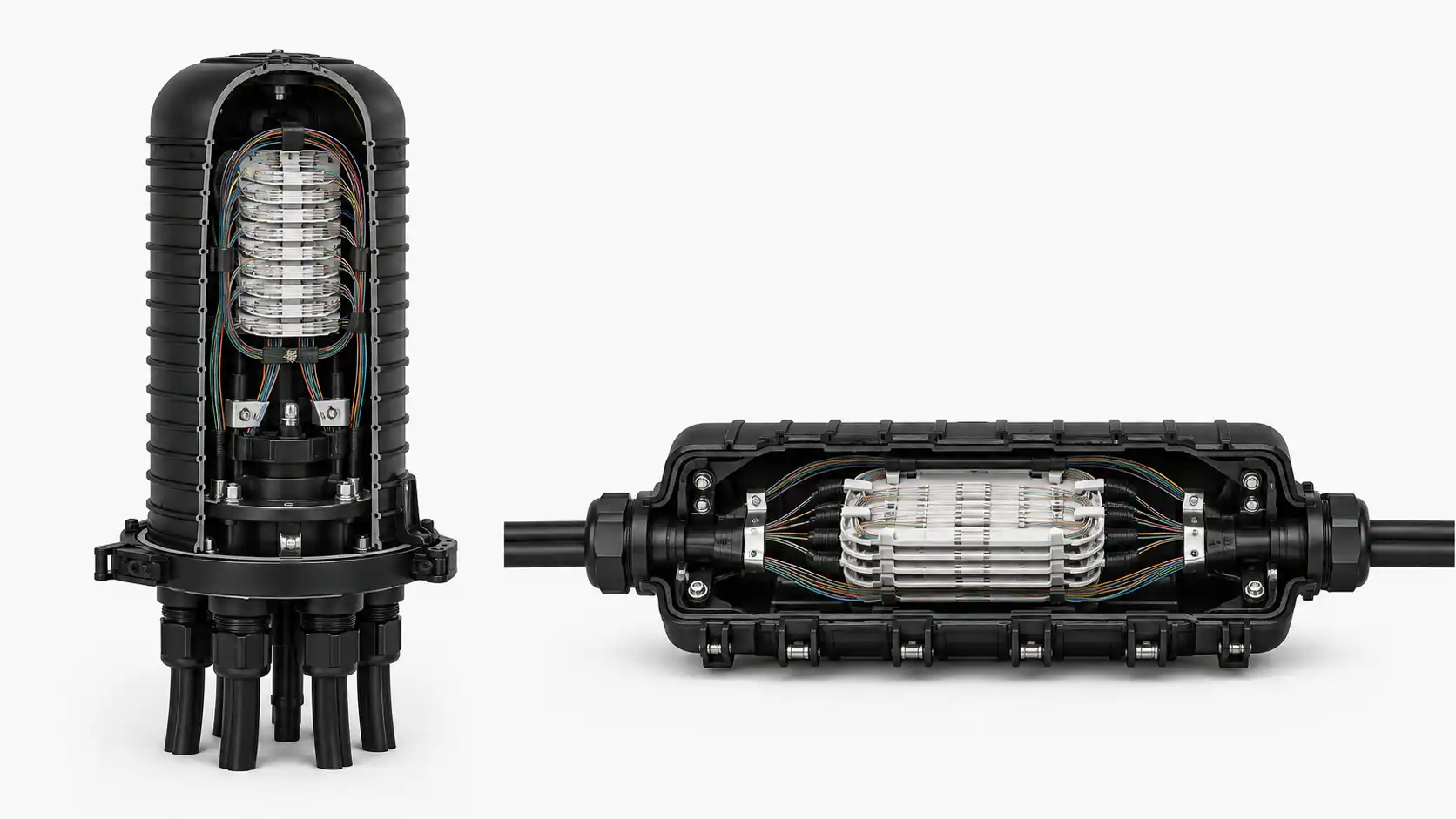
The ODF defines the available physical space. Before selecting the pigtail, document the splice-tray type, splice-protector arrangement, cable-entry direction, adapter position, and permitted slack-storage path. A ribbon pigtail that is easy to mass-splice can still create a crowded frame if the transition from the ribbon to individual connector leads is too bulky for the tray or routing channel.
Three dimensions deserve separate attention: the ribbonized section, the transition or fan-out section, and the connectorized leads. Treating the assembly as one overall length can hide the most important installation constraint. The installer may need a specific ribbon length to reach the splice position, a controlled transition location that stays outside the tray hinge or bend zone, and connector leads that reach the panel without excessive loops.

Define the Ribbon Interface Before You Define the Connector
"Ribbon fiber" is not a complete ordering description. The RFQ should identify the number of fibers in each ribbon and the ribbon construction expected by the project. Conventional flat ribbon and flexible or intermittently bonded ribbon are handled differently, and splicer accessories are not automatically interchangeable. The practical requirement is compatibility with the actual stripping, cleaving, holding, and fusion process used on site.
Mass fusion joins a grouped ribbon in one splicing cycle, but the workflow still depends on preparation quality. Fiber alignment, stripping consistency, cleave quality, clean V-grooves, correct holders, and a tray designed for the finished splice all matter. Therefore, the purchasing specification should name the installed ribbon format and the approved splicing platform or, at minimum, require the supplier to confirm compatibility with it.
Plan the Fan-Out as Part of the Fiber-Management System
The fan-out is where a neat ribbon group becomes individual connector leads. In a dense ODF, this transition is often more important than the connector type itself. Ask where the fan-out body or transition begins, how the individual fibers are protected after the transition, and whether the transition can be secured without loading the fibers.
Port mapping must also be explicit. A connectorized ribbon pigtail can be physically correct and still be operationally wrong if fiber sequence and adapter sequence do not match the project drawing. The purchase package should include a mapping table that ties each ribbon position to the corresponding connector or panel port. If a color sequence is used, the drawing and label scheme should state it rather than relying on an assumed convention.
For high-count ODFs, consider service access as well as first installation. Technicians should be able to identify one connector, remove it from an adapter, inspect or clean it, and return it without disturbing adjacent leads or pulling on the ribbon transition.

Ribbon Pigtail vs Individual Pigtails
| Decision factor | Ribbon pigtail | Individual pigtails |
|---|---|---|
| Splicing method | Supports grouped mass-fusion workflow when the system is compatible | Works naturally with single-fiber fusion |
| High-count organization | Keeps fibers grouped before the fan-out | Requires more individual-fiber handling |
| Tool dependency | Higher; ribbon preparation tools and holders must match | Lower; standard single-fiber workflow is more common |
| Maintenance granularity | Depends heavily on fan-out design and routing | Individual fibers are inherently separate |
| Best selection basis | System architecture and installation method | Flexibility and simple individual-fiber access |
What to Put on the RFQ or BOM
A useful ribbon-pigtail line item should be specific enough that two suppliers are quoting the same assembly. Include the following fields where they apply:
- Fiber type and exact standard designation required by the project.
- Fiber count per ribbon and number of ribbon groups.
- Ribbon construction or required compatibility with the installed ribbon cable.
- Connector type and polish for each finished lead.
- Ribbonized length, transition location, fan-out length, and total finished length.
- Fan-out protection construction and outside diameter if tray space is constrained.
- Connector sequence, port map, fiber identification, and labeling requirements.
- Packaging that preserves the mapping and prevents sharp bends or connector damage in transit.
- Required inspection, optical test records, or sample approval defined by the project.
When evaluating a 12 fiber ribbon pigtail supplier, the commercial label should not replace these engineering fields. Confirm that the quoted assembly matches the actual ribbon and ODF architecture, then use the fiber pigtail product family page for the commercial discussion and configuration inquiry.
Incoming Acceptance: Check the Assembly, Not Only the Connector
Incoming inspection should confirm identity before optical testing. Compare the part number, fiber designation, connector polish, lengths, fan-out position, and fiber-to-port map with the approved drawing. A connector endface can be clean and an optical reading can be acceptable while the assembly is still unusable because the fan-out is too long, the port sequence is reversed, or the ribbon cannot fit the project holder.
For optical acceptance, follow the project's approved test method and limits. Keep the test record tied to the part number or batch so the result can be traced back to the delivered assembly. If the project requires a sample approval, check both installation fit and the planned splicing process before approving the production lot.
Common Failure Modes in High-Count ODFs
- Correct fiber count, wrong ribbon format: the pigtail cannot be prepared with the field tools.
- Correct connectors, wrong fan-out geometry: the transition body conflicts with the tray or cable-management path.
- Unspecified port sequence: installers must tone or trace fibers that should have been mapped at the factory.
- One total length only: splice reach and connector reach are not controlled separately.
- Density without service access: the frame fits on day one but routine inspection disturbs adjacent fibers.
How This Fits With Other Pigtail Decisions
Ribbon architecture is only one layer of the specification. The fiber standard may also affect routing in compact cabinets; see G.652.D vs G.657.A fiber pigtails. For indoor material requirements, use the separate PVC vs LSZH fiber pigtail guide rather than combining jacket compliance with ribbon selection.
FAQ
Are ribbon pigtails always faster to install?
No. They can reduce repetitive splicing when the incoming ribbon, tools, tray, and workflow support mass fusion. If the project must first convert stranded fibers into ribbon form or rework the tray, the expected labor advantage may disappear.
Do ribbon pigtails require ribbon connectors?
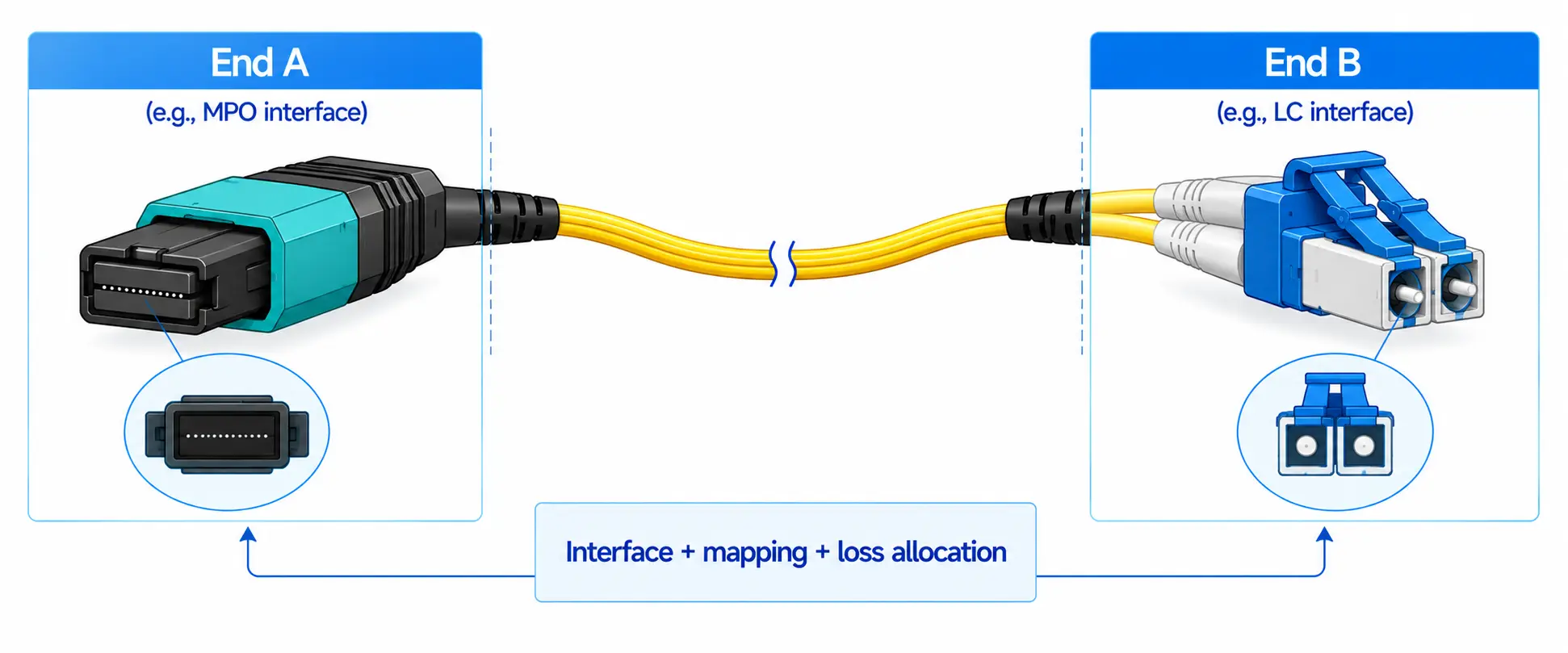
No. A ribbonized end can be mass-spliced while the other end fans out to individual connectors such as LC or SC. The transition design and mapping must be specified.
Should the order specify only total length?
No. For dense frames, define the ribbon section, transition location, fan-out section, and connector-lead reach as needed by the drawing.
What should be approved before a large batch is released?
Approve the exact construction against the ODF: ribbon preparation compatibility, splice-tray fit, fan-out routing, connector reach, port sequence, labeling, and the project's optical acceptance method.