Every fiber optic link loses some optical power between the transmitter and the receiver. Knowing how to calculate that loss - and compare it with the equipment's power budget - is what separates a link that works reliably from one that fails under real-world conditions. This guide walks through the fiber loss calculation formula, a step-by-step worked example, and the practical checks that experienced engineers use to avoid the most common budgeting mistakes.

What Is Fiber Loss and Why Does It Matter?
Fiber loss is the reduction in optical signal power as light travels through a fiber optic link. In practice, the total loss across a link comes from several sources: the fiber cable itself, mated connector pairs, splices, and any passive components such as splitters or couplers in the path.
You will often see related terms used in slightly different ways. Attenuation typically refers to the inherent power loss per unit length of the fiber, expressed in dB/km. Insertion loss describes the total end-to-end loss measured across an installed link, including all components. Link loss is the calculated or measured sum of all passive losses in the channel. These distinctions matter because mixing them up leads to budgeting errors - a point emphasized in both Corning's fiber optic test guidelines (LAN-1561-AEN) and the Fiber Optic Association's loss budget reference. For a deeper comparison, see our guide on insertion loss vs return loss.
A raw loss number on its own tells you very little. A 3 dB reading could be perfectly acceptable on a short multimode campus link but problematic on a long singlemode trunk with tight application limits. That is why fiber loss is always evaluated against two things: the link-loss budget (the estimated total passive loss) and the power budget of the active equipment (the difference between transmitter output and receiver sensitivity).
What Causes Fiber Loss in an Optical Link?
Four main factors contribute to loss in a typical fiber channel. Understanding each one helps you build an accurate budget instead of guessing.
Fiber Attenuation Over Distance
Every optical fiber absorbs and scatters some light as it propagates. The attenuation coefficient depends on fiber type and wavelength. According to the ANSI/TIA-568.3-D standard, maximum allowable attenuation values for planning purposes are:
| Fiber Type | Wavelength | Max Attenuation (dB/km) |
|---|---|---|
| 50/125 µm or 62.5/125 µm multimode | 850 nm | 3.5 |
| 50/125 µm or 62.5/125 µm multimode | 1300 nm | 1.5 |
| Singlemode (indoor cable) | 1310 nm / 1550 nm | 1.0 |
| Singlemode (outdoor cable) | 1310 nm / 1550 nm | 0.5 |
These are conservative planning maximums. Manufacturers routinely produce singlemode fiber with attenuation well below 0.35 dB/km at 1310 nm and below 0.25 dB/km at 1550 nm. If you have the actual cable datasheet, use those tighter values - standard allowances exist as worst-case safety nets, not as best estimates.
Connector Pair Loss
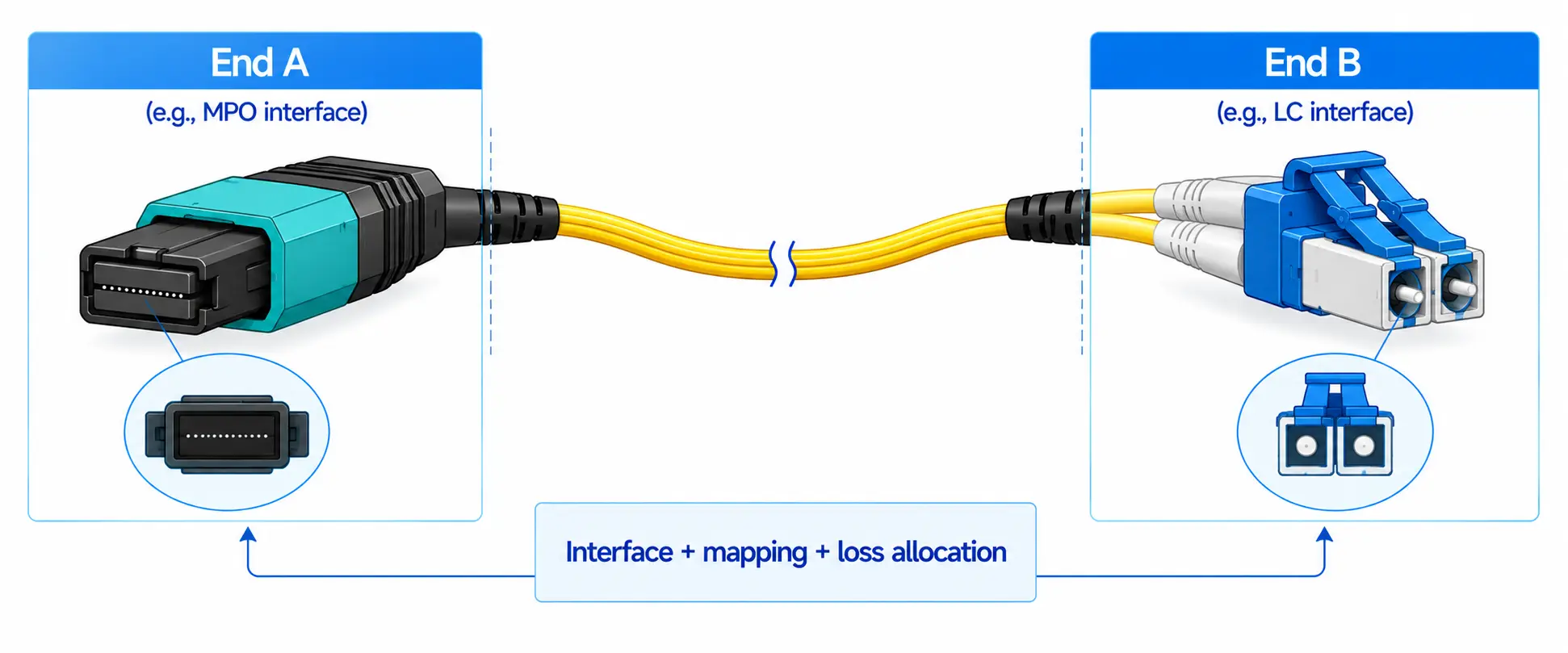
Loss occurs every time two fiber optic connectors are mated together. In budgeting, you count mated connector pairs, not individual connector ends. The TIA-568.3-D standard sets a maximum of 0.75 dB per mated pair, but high-quality factory-polished connectors (SC, LC, FC types) typically achieve 0.3–0.5 dB per pair in practice. This is consistent with Corning's recommendation to use actual connector specifications rather than the maximum standard allowance whenever available.
In short links - say under 500 meters - connector loss often dominates the total budget more than fiber attenuation does. That is one reason why connector quality and connector type selection matter so much in premises cabling.
Splice Loss
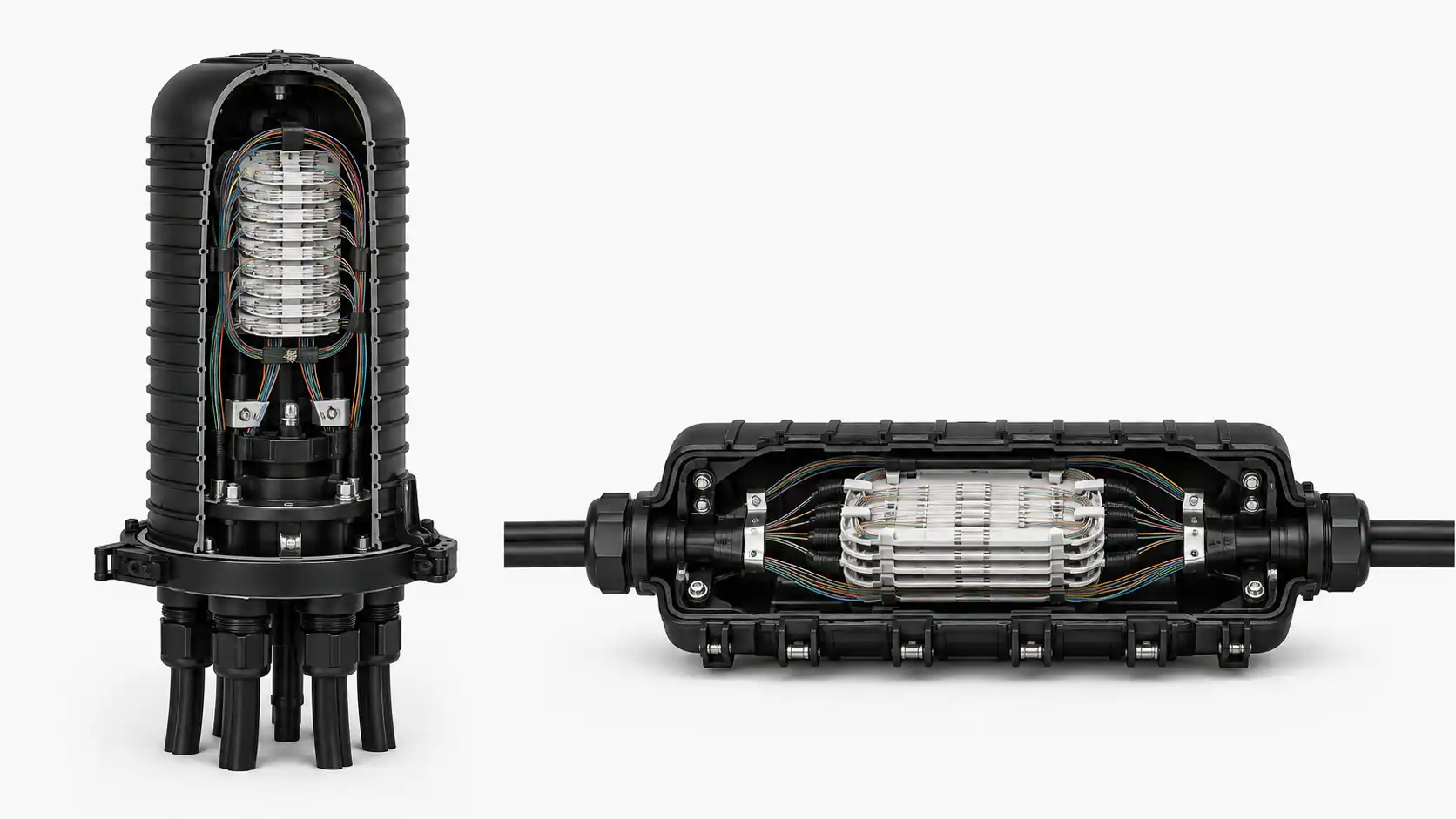
Fusion splices and mechanical splices both add loss. The TIA-568.3-D maximum is 0.3 dB per splice. Fusion splices with proper core alignment routinely achieve under 0.1 dB, while mechanical splices tend to fall in the 0.2–0.5 dB range. If you are budgeting for an outside plant route with multiple splice points, those small values add up quickly over a long run.
Bends, Contamination, and Other Factors
Macrobends and microbends increase attenuation beyond the cable's rated specification. Contamination on connector end faces is one of the most common causes of unexpected loss in the field - the FOA identifies dirty connectors as a leading source of test failures. Tight cable routing, poor cable management, and environmental stress can all push measured loss above the calculated estimate.
Some links also include passive components such as optical attenuators, WDM couplers, or PLC splitters. Each of these has its own specified insertion loss that must be added to the budget.
Fiber Loss Calculation Formula
The core formula for estimating total link loss is straightforward:
Total Link Loss (dB) = (Attenuation Coefficient × Fiber Length) + (Number of Connector Pairs × Loss per Pair) + (Number of Splices × Loss per Splice) + Other Passive Component Loss
This is the same structure used in Corning's link loss budget calculator and in the FOA's budgeting methodology. You then compare that total against the power budget of the active equipment:
Power Budget (dB) = Transmitter Output Power (dBm) − Receiver Sensitivity (dBm)
Operating Margin (dB) = Power Budget − Total Link Loss
A positive operating margin means the link should function. A margin below roughly 3 dB is considered risky for long-term reliability, because transmitters age, connectors accumulate contamination, and splices may degrade if cables are handled or rerouted. The FOA recommends maintaining at least 3 dB of margin to account for these real-world factors.
One important note: dB is a relative unit (it expresses a ratio), while dBm is an absolute power level (referenced to 1 mW). Confusing the two is a surprisingly common error that invalidates the entire power-budget calculation even when the loss estimate itself is correct.

How Do You Calculate Fiber Loss Step by Step?
Step 1: Document the Actual Link Components
Before opening a calculator, list everything in the channel: fiber type, operating wavelength, total route length (not just the map distance - include vertical runs, slack loops, and routing detours), the number of mated connector pairs, the number of splices, and any passive devices. Most budgeting errors start here, with incomplete component counts.
Step 2: Select Loss Values
Use the component manufacturer's specifications when available. Fall back to TIA-568.3-D maximums only when actual specs are not known. As Fluke Networks points out in their loss budget calculation guide, standards provide minimum acceptable performance - real components are usually better, and using manufacturer data produces a more accurate estimate.
Step 3: Calculate Each Loss Component
Multiply the attenuation coefficient by fiber length. Multiply connector pair count by loss per pair. Multiply splice count by loss per splice. Add any passive component losses. Sum everything for the total estimated link loss.
Step 4: Compare Against the Power Budget
Find the transmitter output power and receiver sensitivity from the transceiver datasheet. These two numbers are usually listed in dBm. The difference is the power budget. Subtract the total link loss from the power budget to get the operating margin. For more on transceiver specifications, see our comparison of singlemode SFP vs multimode SFP.
Step 5: Verify the Margin Is Adequate
A positive margin is necessary but not always sufficient. If the margin is under 3 dB, the link is vulnerable to degradation from aging components, dirty end faces, additional splices from future repairs, or temperature-related attenuation changes. In practical deployments, engineers who design right on the edge often end up troubleshooting failures within a year or two.
Worked Example: 10 km Singlemode Link at 1310 nm
Consider an outside-plant singlemode link running 10 km at 1310 nm, with two mated connector pairs and one fusion splice. Using TIA-568.3-D planning values for outside-plant singlemode cable:
| Component | Count | Loss per Unit | Subtotal (dB) |
|---|---|---|---|
| Fiber attenuation (OS2, 1310 nm) | 10 km | 0.5 dB/km | 5.0 |
| Mated connector pairs | 2 | 0.75 dB/pair | 1.5 |
| Fusion splice | 1 | 0.3 dB | 0.3 |
| Total estimated link loss | 6.8 |
Now suppose the transceiver datasheet shows a transmitter output of −15 dBm and receiver sensitivity of −28 dBm:
Power budget = −15 − (−28) = 13 dB
Operating margin = 13 − 6.8 = 6.2 dB
With 6.2 dB of margin, this link passes comfortably. Even after reserving 3 dB for long-term degradation, there is still over 3 dB of headroom - enough to absorb a future splice repair or some connector aging without dropping below the reliability threshold.
If you used actual cable specs (say 0.35 dB/km) and typical connector loss (say 0.5 dB/pair), the total would drop to about 4.8 dB, giving an even larger margin. That is why using real component data matters - standard planning values are conservative by design.

Calculated Loss vs Measured Loss: When Is Each One Enough?
A calculated loss is an estimate. It is useful during design, quoting, route comparison, and pre-installation validation. But it is not the same as field certification.
For installed links, the industry standard approach is Tier 1 testing with an Optical Loss Test Set (OLTS), which directly measures the total insertion loss of the link using a calibrated light source and power meter. Both the TIA-568.3-D standard and Corning's test guidelines identify OLTS testing as the most accurate characterization of an installed fiber link's performance. If you need to locate a specific fault - a bad splice, a damaged connector, or a tight bend - an Optical Time Domain Reflectometer (OTDR) provides event-level detail that an OLTS cannot. Fluke Networks describes OTDR testing as Tier 2 certification, recommended alongside OLTS for a complete testing strategy.
Use calculation when: you are designing a new route, comparing link options, or verifying that the equipment power budget should be sufficient before installation.
Use measurement when: you are certifying an installed link for acceptance, troubleshooting unexpected performance issues, or verifying that measured loss falls within the calculated budget.
In practice, it is common for measured loss to differ slightly from the calculated estimate. If measured loss is significantly higher than the budget, the first things to check are connector end-face contamination, incorrect connector pair count, and unexpected bends or cable damage along the route.

What Is an Acceptable Fiber Loss?
There is no single universal answer - acceptable loss depends on the specific link and the equipment operating on it. However, there are practical guidelines:
The link passes the loss budget test if the total measured insertion loss is at or below the calculated budget for that specific link. The link passes the power budget test if there is still positive operating margin after subtracting total loss from the equipment's power budget. For long-term reliability, an operating margin of at least 3 dB above the minimum receiver sensitivity is widely recommended.
For quick reference, typical planning attenuation values from the TIA-568.3-D standard are: multimode fiber at 850 nm should not exceed 3.5 dB/km; singlemode outdoor cable at 1310 nm should not exceed 0.5 dB/km; and connector pairs should not exceed 0.75 dB each. If your measured values per component are well within these limits and total link loss is under the power budget with adequate margin, the link is generally acceptable.
Where to Find Tx Power and Rx Sensitivity on a Transceiver Datasheet
The two numbers you need for a power budget calculation - transmitter output power (Tx) and receiver sensitivity (Rx) - are listed on the transceiver module's datasheet, usually in a table labeled "Optical Characteristics" or "Transmitter/Receiver Parameters." Look for:
- Transmitter output power (min/max): given in dBm. Use the minimum value for worst-case budgeting.
- Receiver sensitivity: given in dBm. This is the weakest signal the receiver can detect while maintaining the required bit error rate.
- Receiver overload (or maximum input power): the strongest signal the receiver can handle without errors. This matters on very short links where loss is minimal.
The power budget is the difference between the minimum Tx output and the Rx sensitivity. If a datasheet lists −8.2 dBm minimum Tx and −14.4 dBm Rx sensitivity, the power budget is 6.2 dB - leaving much less room for link loss than a long-reach module with a 13 dB budget. Choosing the right transceiver for the link distance is the first step to a workable budget. For a broader view, see our article on transceivers vs transponders.
Common Fiber Loss Calculation Mistakes
Counting Connectors Instead of Connector Pairs
Budgeting methods count mated connector pairs - two connectors joined together - not individual ends. If you count every loose connector end, you will overestimate or underestimate the loss depending on how you apply the per-unit value. Corning's test guidelines are explicit on this point.
Confusing dB and dBm
dB is a relative ratio. dBm is an absolute power level. If you subtract a dBm value from a dB value, or compare them directly, your power budget result will be meaningless. Keep loss values in dB and power levels in dBm, and only combine them through the correct formula.
Using Standard Maximums When Actual Specs Are Available
TIA planning values are worst-case allowances, not typical values. If you have the manufacturer's cable and connector specifications, use those tighter numbers. Over-reliance on standard maximums can lead to over-engineering (ordering higher-powered transceivers you do not need) or, worse, masking a real problem because the generous allowance left the budget looking "fine."
Missing Components in the Channel
Patch panels, optical attenuators, couplers, WDM filters, and extra field terminations all contribute loss. It is easy to forget a patch panel connection point or an attenuator that was added to prevent receiver overload. Walk the route, check the as-built drawings, and count everything.
Ignoring End-Face Contamination
Dirty connector end faces are one of the most common reasons why measured loss exceeds the calculated budget. Microscopic dust particles can increase insertion loss and back reflection dramatically. The FOA, Corning, and Fluke Networks all emphasize connector inspection and cleaning as a prerequisite before any loss measurement. In many real-world troubleshooting cases, cleaning the end faces resolves the issue without any re-splicing or cable replacement.
Calculated Budget Passes but Measured Loss Fails - Now What?
When the math says the link should work but the OLTS says it does not, the most likely causes are: contaminated connectors, an incorrect connector pair count in the budget, an unaccounted splice or patch panel, excessive cable bending, or cable damage that was not visible during installation. Start with connector inspection, then verify the component count, and use an OTDR to locate the specific loss event if cleaning does not resolve the gap.
Singlemode vs Multimode: Key Differences for Loss Budgeting
Singlemode and multimode fiber have different attenuation characteristics, different operating wavelengths, and different typical link distances - all of which affect budgeting.
Multimode fiber (OM1–OM5) operates at 850 nm and 1300 nm with higher attenuation per kilometer but is typically used for shorter links inside buildings and campuses. Power budgets for high-speed multimode applications (such as 10GBASE-SR) can be quite tight - sometimes only 2–3 dB - which means there is almost no room for extra connectors or dirty end faces.
Singlemode fiber (OS1/OS2) operates at 1310 nm and 1550 nm with much lower attenuation, making it the standard choice for campus backbones, metro networks, and long-haul links. Power budgets are usually larger, but longer distances mean more total fiber attenuation and often more splices, so the budget can still be tight on extended routes.
Always match the attenuation coefficient to the correct fiber type and wavelength. Using a multimode value in a singlemode budget (or vice versa) is an error that is surprisingly easy to make when switching between projects.
Frequently Asked Questions
How do you calculate fiber optic link loss?
Add up the losses from fiber attenuation (dB/km × length), connector pairs (count × loss per pair), splices (count × loss per splice), and any other passive components. The sum is your estimated total link loss. Compare it against the equipment's power budget to determine whether the link should work.
What is a fiber link budget?
A fiber link budget (or link-loss budget) is the calculated estimate of total passive loss across a fiber optic link. It includes all loss contributors - fiber, connectors, splices, and passive devices. The FOA describes it as the estimate that is compared against the equipment's power budget to verify the link's viability and against test results to confirm proper installation.
What is the difference between insertion loss and attenuation?
Attenuation refers specifically to the optical power lost per kilometer of fiber due to absorption and scattering in the glass. Insertion loss is the broader, end-to-end measurement of total loss across an installed link, including fiber attenuation plus all connector, splice, and component losses. For a detailed breakdown, read our article on insertion loss in fiber networks.
What is an acceptable fiber loss per connector?
The ANSI/TIA-568.3-D standard allows a maximum of 0.75 dB per mated connector pair. However, well-made factory-polished connectors typically achieve 0.3–0.5 dB. Using actual connector specifications rather than the maximum standard allowance produces a more realistic budget.
How much margin should a fiber link have?
A minimum of 3 dB of operating margin is a widely followed industry guideline. This accounts for transmitter aging, connector contamination over time, possible future splice repairs, and temperature-related attenuation changes. Links designed with less than 3 dB margin are more likely to require maintenance or fail prematurely.
What tools are used to measure fiber loss?
An Optical Loss Test Set (OLTS), consisting of a calibrated light source and power meter, is the standard instrument for Tier 1 certification of total link loss. An OTDR is used for Tier 2 testing - it provides a distance-mapped trace showing the loss at each individual event (connector, splice, bend) along the fiber.
References and Further Reading
- Fiber Optic Association - Calculating Fiber Optic Loss Budgets
- Corning - Recommended Fiber Optic Test Guidelines (LAN-1561-AEN)
- Corning - Link Loss Budget Calculator
- Fluke Networks - Fiber Optic Link Loss Budget Calculation
- Fluke Networks - OLTS + OTDR: A Complete Fiber Optic Testing Strategy
- ANSI/TIA-568.3-D - Optical Fiber Cabling and Components Standard (available from TIA)