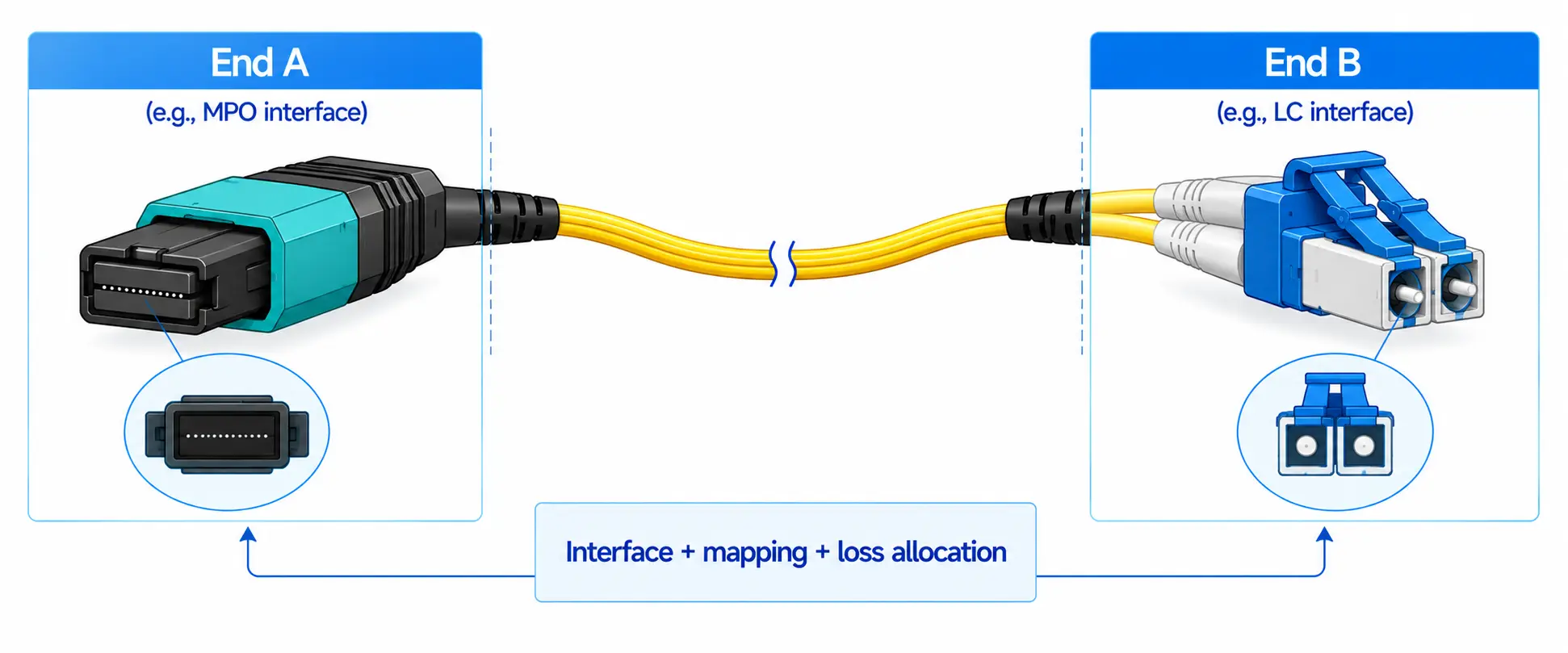
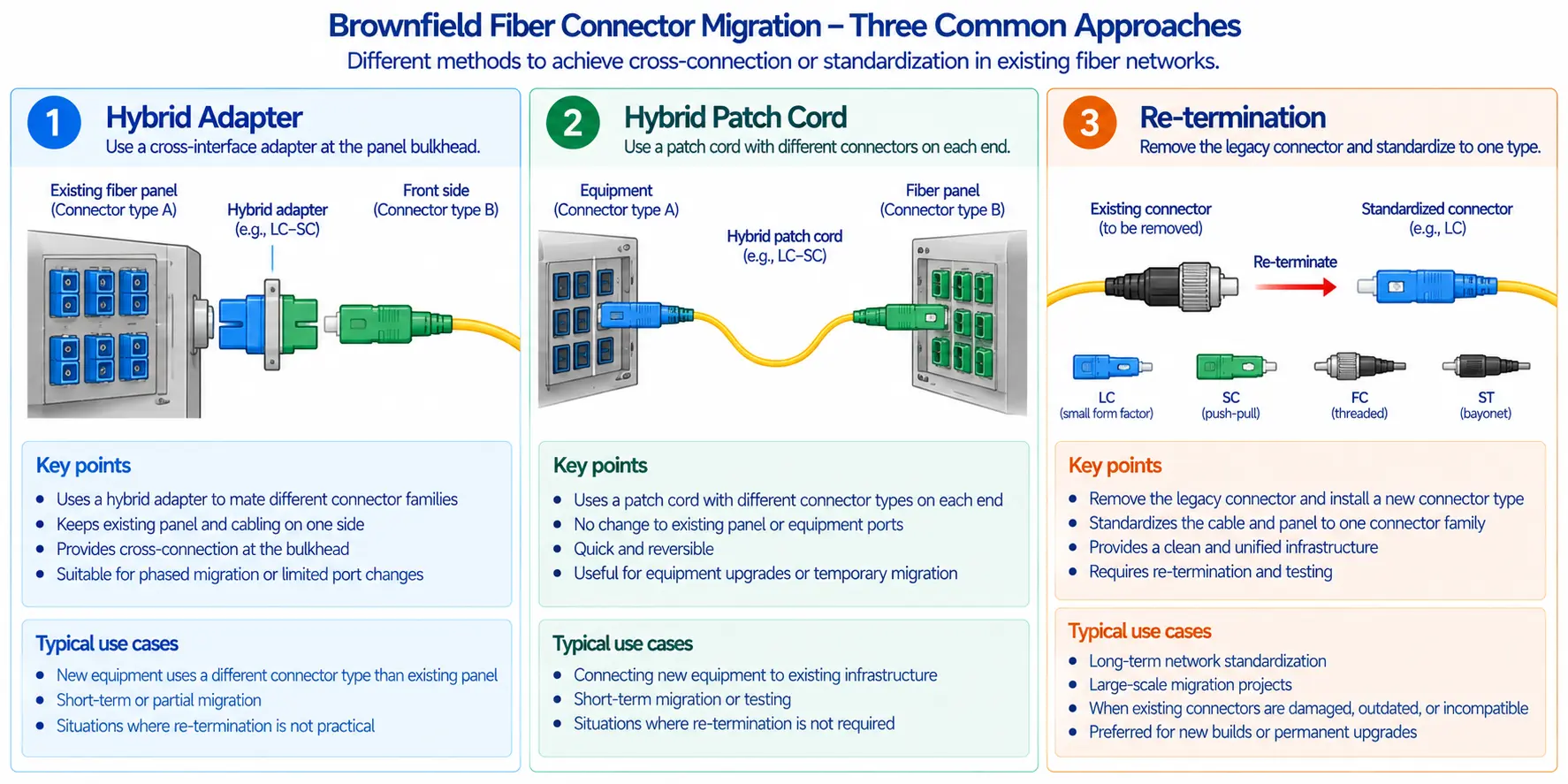
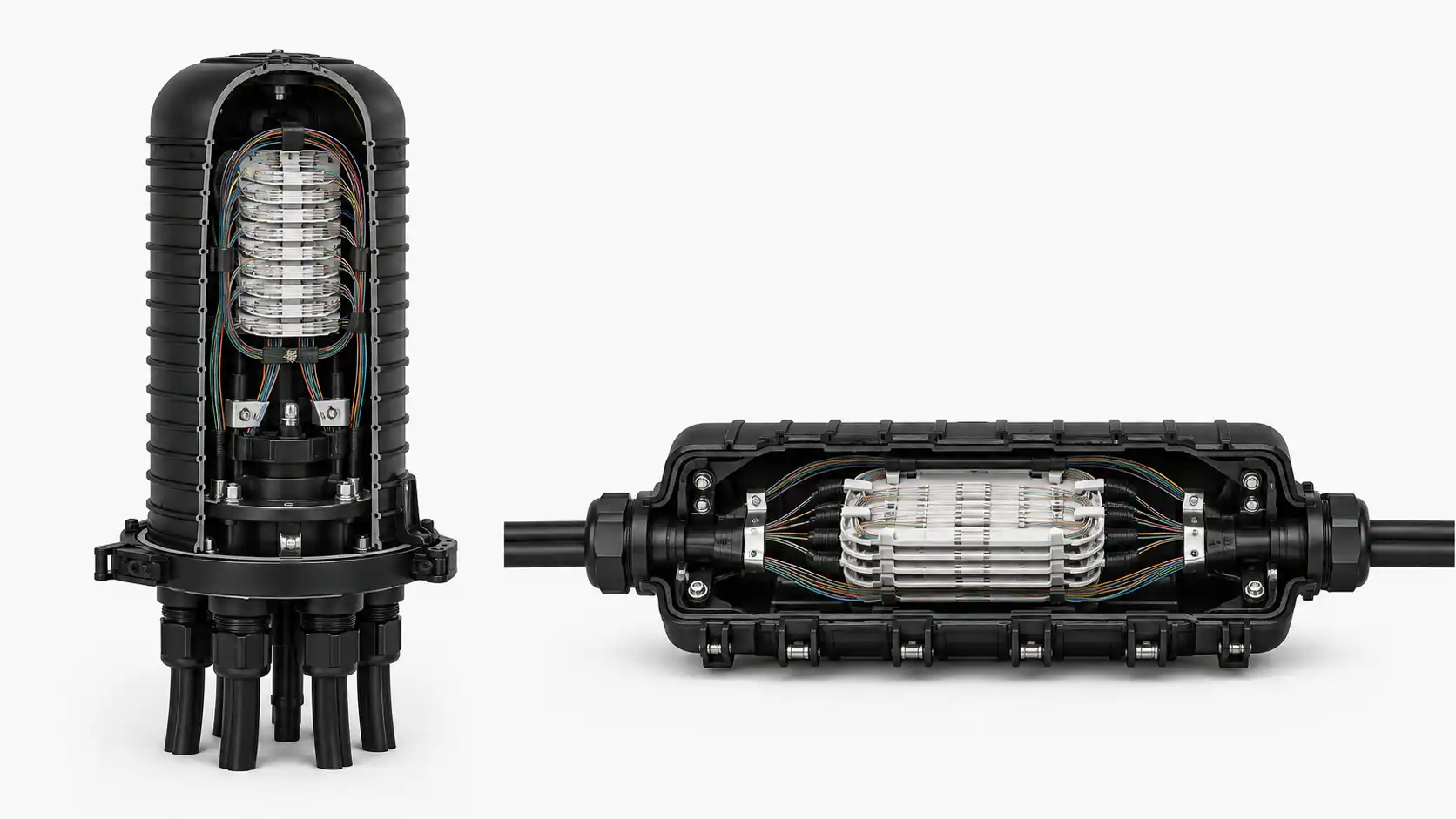
In high-density data center cabling, people often treat "MPO cable types" like it's just a part-number question. But in real projects it's a system decision. You're lining up four things at the same time: cable form factor, fiber count and base system, polarity approach, and pinning. Miss one, and you'll usually pay for it in rework, downtime, or extra loss.
What people really mean when they say "MPO cable types"
Different teams use "type" to mean different things, so it's worth clearing up early.

Table 1 - What "type" can mean in an MPO project
| What "type" refers to | Examples | What goes wrong if it's wrong |
|---|---|---|
| Form factor | Trunk, Breakout, Patch, Conversion | Messy layout, poor serviceability, wrong interconnect style |
| Fiber count and base system | 8, 12, 16, 24, 32 fibers; Base-8 vs Base-12 | Wasted fibers, awkward upgrades, unexpected conversion needs |
| Polarity | Type A, Type B, Type C within a method plan | Tx/Rx mismatch and link down |
| Pinning | Pinned or unpinned | Can't mate properly, alignment issues, possible damage |
A quick tip from the Dimi team: if someone says "we need Type B," ask one follow-up question: "Do you mean polarity Type B, or do you mean the cable form factor?" That single clarification saves a lot of back-and-forth later.
Dimi customer Q&A - Case 14
Customer: Honestly, the more we read, the more confused we get. Every article explains A/B/C, but when it's time to buy, we still don't know what to order.
Dimi: That's normal because many articles stop at concepts and never show an end-to-end build. If you provide three things - your topology, device port pinning, and your preferred method or whatever your installed base uses - we can lock it down with two outputs: a mapping sheet and a BOM. Then the field team just follows the document instead of guessing.
The four common MPO cable form factors
I'll explain these the way we handle them in real conversations: what it's for, what people usually mess up, and what you must decide before ordering.

Trunk: the backbone you want to get right once
A trunk is the main multi-fiber highway with MPO connectors on both ends. If you're connecting panels to panels or racks to racks, trunk is usually where you start.
What people underestimate is how long the trunk stays in place. Switches refresh, optics change, port counts grow. A trunk that's poorly planned becomes expensive to "undo."
Table 2 - Trunk choices that matter
| Choice | What you're deciding | What happens if it's vague |
|---|---|---|
| Fiber count | Capacity and alignment with optics | Wasted fibers or upgrade friction |
| Base system | Your long-term ecosystem | You need conversion later, often under pressure |
| Polarity method and type | End-to-end Tx/Rx correctness | Links that refuse to come up |
| Pinning | Whether connectors can mate | Wrong parts, delays, sometimes damage |
| Labeling | Whether humans can maintain it | Future changes become guesswork |
Dimi customer Q&A - Case 6
Customer: We received MPO cassettes but can't confirm whether the rear port is male or female. What trunk should we buy?
Dimi: Start with the hard rule. Pinned must mate with unpinned. In many builds the cassette rear is pinned, so the trunk ends should be unpinned. Before you order, confirm the cassette spec, write pinned or unpinned clearly in the BOM, and label trunks with P1/P2 plus a simple mapping ID.
Dimi customer Q&A - Case 9
Customer: The datasheet says "rear connector pinned." Does that mean we must use unpinned MPO cables?
Dimi: Yes, at that connection point. Pinned must mate with unpinned. After that, also confirm key orientation and how it fits your polarity plan. Most "it looks correct but doesn't work" situations come from these details being mixed.
Dimi customer Q&A - Case 8
Customer: We bought everything based on polarity. Now we found the connectors won't mate. What did we miss?
Dimi: That's the classic trap: focusing only on polarity and forgetting pinning. Polarity is about Tx/Rx mapping. Pinning is about physical alignment. Both must be correct. In our BOMs, we always list polarity and pinned or unpinned separately so nothing gets overlooked.
MPO Breakout: fast wins today, possible pain tomorrow
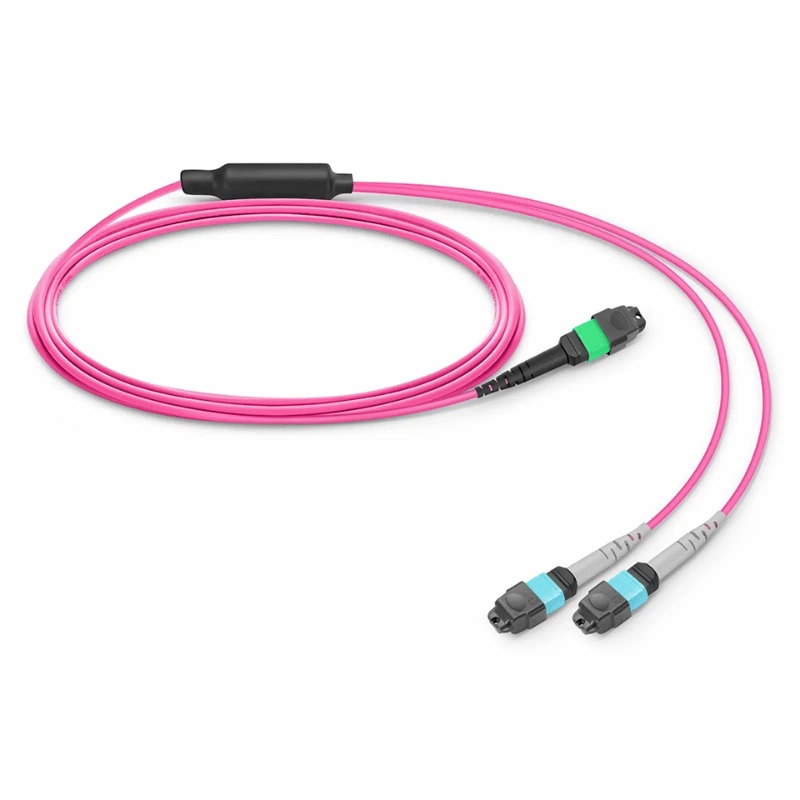
A breakout cable takes one MPO and fans out to multiple LC ports or to multiple MPOs. It's popular because it feels straightforward. But it can also turn a clean cabinet into something nobody wants to touch.
If your environment is small and stable, breakout everywhere can be fine. If your environment changes, panels and cassettes usually pay for themselves because they keep the system modular and serviceable.

Table 3 - Breakout direct vs trunk plus cassette
| Approach | Why people choose it | What it can cost later |
|---|---|---|
| Breakout direct to equipment | Fewer parts, quick install | Harder replacements, messy routing at scale |
| Trunk plus cassette plus patch | Standardized ports, easier changes | More planning and more SKUs upfront |
Dimi customer Q&A - Case 3
Customer: Can we skip panels and just use breakouts to save cost and space?
Dimi: You can-but only if you expect it to stay unchanged. If the network will grow or ports will move, we usually use breakouts inside a rack and keep trunk plus panels for backbone runs. That prevents the "it worked once and now nobody wants to touch it" situation.
Dimi customer Q&A - Case 12
Customer: We're using breakouts to fan MPO out to LC. How do we keep it maintainable instead of turning it into a one-time "temporary hack"?
Dimi: Treat breakout like a system component, not a rescue cable. At minimum: label the fanout ports with a consistent rule, document the trunk-to-breakout mapping, and verify mapping during acceptance - not just continuity. Do those three things, and breakout can be maintained like a proper structured system.
MPO Patch cords: small cables, big consequences
Patch cords feel harmless, but they're where teams accidentally mix pinning, polarity assumptions, and cassette orientation. That's why you'll hear people say, "The trunk tested fine, but the link won't come up."
A good habit is to treat patch cords as part of your system design, not something you grab at the end.

Dimi customer Q&A - Case 7
Customer: We're using optics with MPO ports. Should we buy male or female patch cords?
Dimi: Don't guess. Confirm the transceiver pinning. In practice, if the device interface is pinned, you use an unpinned patch cord to mate. Put that requirement into the BOM so procurement doesn't have to interpret it.
Dimi customer Q&A - Case 4
Customer: We only need 40G SR4 in a small server room. Can you tell us the simplest approach so we don't mess it up?
Dimi: For small builds, the goal is to reduce choices. Pick one consistent polarity plan, make sure trunk, cassette, and patching all follow it, and validate mapping before go-live. SR4 itself isn't hard - what gets people is buying parts that don't follow the same rules.
MPO Conversion: the upgrade reality check
Conversion exists because networks evolve. You might have a backbone built around one base system, while new optics push you toward another.
This is where Base-8 versus Base-12 becomes a business decision. If you don't plan it, you often end up adding conversion under time pressure, and the mapping documentation gets sloppy.

Dimi customer Q&A - Case 10
Customer: We have a 12-fiber installed base, but new parallel links seem to align better with 8-fiber. Can we mix them, or do we need conversion?
Dimi: You can transition, but don't treat it as "if it plugs in, it's fine." You need to confirm how many fibers the application actually uses and document the mapping. The risk isn't only connectivity - it's losing control of utilization and port mapping. We usually recommend a one-page plan: which segments stay 12, where 8 is introduced, where conversion is needed, and how acceptance testing verifies mapping.
Fiber count and Base system: where cost surprises show up

Fiber counts in the real world
Here's what you actually see most often.
Table 4 - Common fiber counts and what they usually mean
| Fiber count | Where it's common | The hidden trade-off |
|---|---|---|
| 8 | Base-8 ecosystems and some parallel optics planning | Often efficient, but must match your architecture |
| 12 | Very common installed base | Easy to buy, but may drive conversion in some upgrades |
| 16 | Higher lane designs in some environments | Can simplify certain paths, increases planning needs |
| 24 and 32 | High density backbones | Can reduce cable bulk but increases mapping complexity |
Dimi customer Q&A - Case 11
Customer: We already have MPO-24 trunks. Can we plug them into MPO-8 or MPO-12 equipment directly?
Dimi: In most cases, no. MPO-24 is a different arrangement, not just a "bigger MPO-12." If you already have MPO-24, the right approach is usually using compatible modules or a conversion plan rather than trying to force a direct mate.
Base-8 vs Base-12: ask the upgrade question first
Instead of "which is better," ask "what makes upgrades cheaper for us."
Table 5 - A decision view of Base-8 vs Base-12
| Your situation | What usually makes sense | Why |
|---|---|---|
| You have a big installed Base-12 backbone | Keep Base-12, add conversion where needed | Lowest disruption |
| You're adding many parallel links where utilization matters | Base-8 planning or a clean conversion strategy | Better alignment with how fibers get used |
| You want the simplest operations possible | Standardize on one base approach | Fewer exceptions |
Dimi customer Q&A - Case 1
Customer: We used MPO-24 trunks and now port mapping is painful. What's the stable approach?
Dimi: If operations matter, simplify mapping and spares. Many teams do better with two MPO-12 paths than a single MPO-24. If MPO-24 is required, lock mapping rules early and label aggressively so troubleshooting doesn't become guesswork.
MPO Polarity: where links quietly fail?
Polarity problems don't show up as a neat warning label. They show up as links that look physically correct but never come up.
A simple rule works well: decide the end-to-end method first, then treat trunk, cassette, and patch as one system, and verify mapping before go-live.

Table 6 - A simplified 12-fiber mapping view
| Polarity type | The simple idea | Mapping example |
|---|---|---|
| Type A | Straight through | 1 to 1, 2 to 2 |
| Type B | Fully reversed | 1 to 12, 2 to 11 |
| Type C | Pairwise flip | 1 with 2, 3 with 4 |
Dimi customer Q&A - Case 2
Customer: We're stuck choosing Type A/B/C. What should we do?
Dimi: Don't start from Type. Start from your end-to-end method and what your cassette expects. Then build a mapping sheet with P1/P2 and validate it. That's faster than debugging a link down later.
Dimi customer Q&A - Case 5
Customer: Where should the flip happen, in the trunk, cassette, or patch?
Dimi: All can work. The key is to pick one strategy and keep it consistent. Make it auditable with a mapping sheet, labels, and a test record.
Dimi customer Q&A - Case 13
Customer: We changed key orientation or adapters on site trying to fix polarity. Now it's unstable.
Dimi: Key orientation affects reference and mapping. Ad-hoc swaps often break a previously consistent design. Restore and confirm the original method and type combination first. If changes are required, keep them traceable and re-validate end-to-end mapping.
Dimi customer Q&A - Case 15
Customer: Can you explain Type A/B/C in one sentence each? We want to put it into our internal guidelines.
Dimi: Sure. Type A is straight-through. Type B is fully reversed. Type C is pairwise flip. Add one more line in your standard: the correct choice still depends on your method and what your cassettes do.
Pinning: don't let a physical mismatch stop the project
This part should be brutally clear.

Male means it has alignment pins. Female means it does not. Pinned must mate with unpinned.
Table 7 - How to write pinning clearly in a BOM
| Field | Example | Why it helps |
|---|---|---|
| Connector | MPO-12 | Forces the fiber count conversation |
| Polarity | Type B | Makes assumptions explicit |
| Pinning | Unpinned on both ends | Prevents ordering the wrong gender |
| Loss grade | Low loss | Aligns performance expectations |
| Labeling | P1/P2 plus mapping ID | Makes operations safe |
A one-page selection workflow you can actually use
Table 8 - 7 steps that prevent rework
| Step | Decide | Output |
|---|---|---|
| 1 | Topology | A simple link diagram |
| 2 | Form factor | Trunk, breakout, patch, conversion |
| 3 | Fiber count and base | Base approach and future plan |
| 4 | Polarity method | Team standard |
| 5 | Component combo | Trunk plus cassette plus patch rule |
| 6 | Pinning | Pinned and unpinned requirements |
| 7 | Acceptance | Test and labeling package |
Dimi customer Q&A - Case 5 extra
Customer: Our maintenance team changes frequently. We don't want to debate cassette and trunk types every time.
Dimi: Reduce choices in the field. Standardize one method, lock trunk and cassette rules, and provide mapping sheets and labeling standards so technicians execute confidently without guessing.
Installation and testing that prevents surprises
Table 9 - A simple acceptance SOP
| Order | Action | Why |
|---|---|---|
| 1 | Inspect and clean | Avoid false high loss |
| 2 | Continuity check | Confirm every fiber path |
| 3 | Polarity mapping check | Catch Tx/Rx mismatch early |
| 4 | Insertion loss test | Confirm against link budget |
| 5 | Label and archive | Make future changes safe |
Troubleshooting: symptom, cause, first check
Table 10 - Quick troubleshooting guide
| Symptom | Likely cause | First check |
|---|---|---|
| Link down | Pinning mismatch | Pinned to unpinned |
| Link down after a change | Polarity mix-up | Mapping sheet vs build |
| Loss too high | Dirty endfaces | Inspect and clean |
| Works in one direction only | Cassette orientation or patch | Cassette direction and patch type |
| Upgrade breaks link | Base mismatch | Conversion plan and mapping |


FAQ
Q: What are the most common MPO cable types for data center cabling?
A: The four you'll see most often are MPO trunk cables, MPO harness/breakout cables, MPO patch cords, and MPO conversion cables or conversion modules. Most designs use trunk as the backbone, then use breakout or patching at the edges, and conversion only when the base system or fiber count doesn't line up.
Q: What is the difference between MPO trunk vs MPO harness (breakout) vs MPO patch cord?
A: Think of it as a job role: trunk is the backbone run between panels or racks, harness/breakout fans one MPO into multiple LC ports for equipment, and patch cords handle short interconnects inside racks or between a panel and a device. The common mistake is treating patch cords as "generic," even though they still need the right polarity and pinning.
Q: What does "MPO polarity Type A, Type B, Type C" mean?
A: These are the three common MPO polarity types used to keep Tx/Rx aligned end-to-end. Type A is straight-through, Type B is fully reversed, and Type C flips pairs. The important part is that polarity only works when trunk, cassette/module, and patch cords follow the same end-to-end method.
Q: Which MPO polarity is most common, Type A or Type B?
A: There isn't one universal "most common" because it depends on your cassettes/modules and your end-to-end polarity method. If you want fewer surprises, don't pick polarity by popularity. Build a simple mapping sheet (P1/P2 plus Tx/Rx) and choose the trunk type that matches your cassette design.
Q: What is the difference between MPO Type A/B/C and Method A/B/C?
A: Type A/B/C usually describes how the trunk cable maps fiber positions. Method A/B/C is the full system strategy, including trunks, cassettes/adapters, and patching. A project fails when different parts of the system are built using different methods.
Q: How do I know if I need a male or female MPO cable (pinned vs unpinned)?
A: Don't rely on "male/female" wording alone. In the field, the simplest check is pins: pinned must mate with unpinned. In purchasing, write "pinned" or "unpinned" explicitly for each end so nobody has to guess.
Q: Are male/female the same as pinned/unpinned on MPO connectors?
A: In most MPO contexts people use them interchangeably, but for specs and BOMs you should be precise: pinned/unpinned is the clearest requirement. That one line prevents the classic failure where parts arrive and physically won't mate.
Q: How do I choose between Base-8 and Base-12 MPO cabling?
A: Start with your installed base and your upgrade path. If you already have a large Base-12 backbone, you can keep it and use conversion where needed. If your roadmap is heavy on parallel optics and you care about fiber utilization, plan for Base-8 alignment or a clean conversion strategy. The goal is fewer exceptions and simpler operations.
Q: Can MPO-8 connect to MPO-12? Will it work?
A: Sometimes it can physically connect, but "working" depends on the application, mapping, and what fibers are actually used. Treat mixed fiber-count builds as a planned transition, document the mapping, and verify end-to-end continuity and polarity before go-live.
Q: Can MPO-24 connect to MPO-12 or MPO-8 directly?
A: In most cases, no. MPO-24 is arranged differently and usually requires compatible modules or a conversion plan. Don't assume "more fibers means it's backward compatible."
Q: Why does my MPO link look correct but still won't come up?
A: The top three causes are pinning mismatch, polarity mismatch, or cassette/module orientation issues. Start with the physical mate (pinned to unpinned), then confirm the mapping sheet against the build, then check cassette direction and keying.
Q: What should I put in an MPO cable BOM to avoid ordering mistakes?
A: At minimum: fiber count, base system, polarity type, pinning for each end, loss grade, and a labeling rule like P1/P2 plus mapping ID. The goal is that procurement and installers can follow the BOM without "interpreting" anything.
Dimi customer Q&A - Case 13
Customer: We're buying MPO loopbacks and we see Type A/B/C options. Do loopbacks really have polarity types?
Dimi: It sounds odd, but it's still mapping logic. A loopback connects lanes internally in a specific way for testing. Different loopback types can implement different internal pairings. The right choice depends on the test requirement - don't assume loopbacks behave like regular trunks.